View Categories

< 1 min read

Viewpoints #

What are Viewpoints?  #

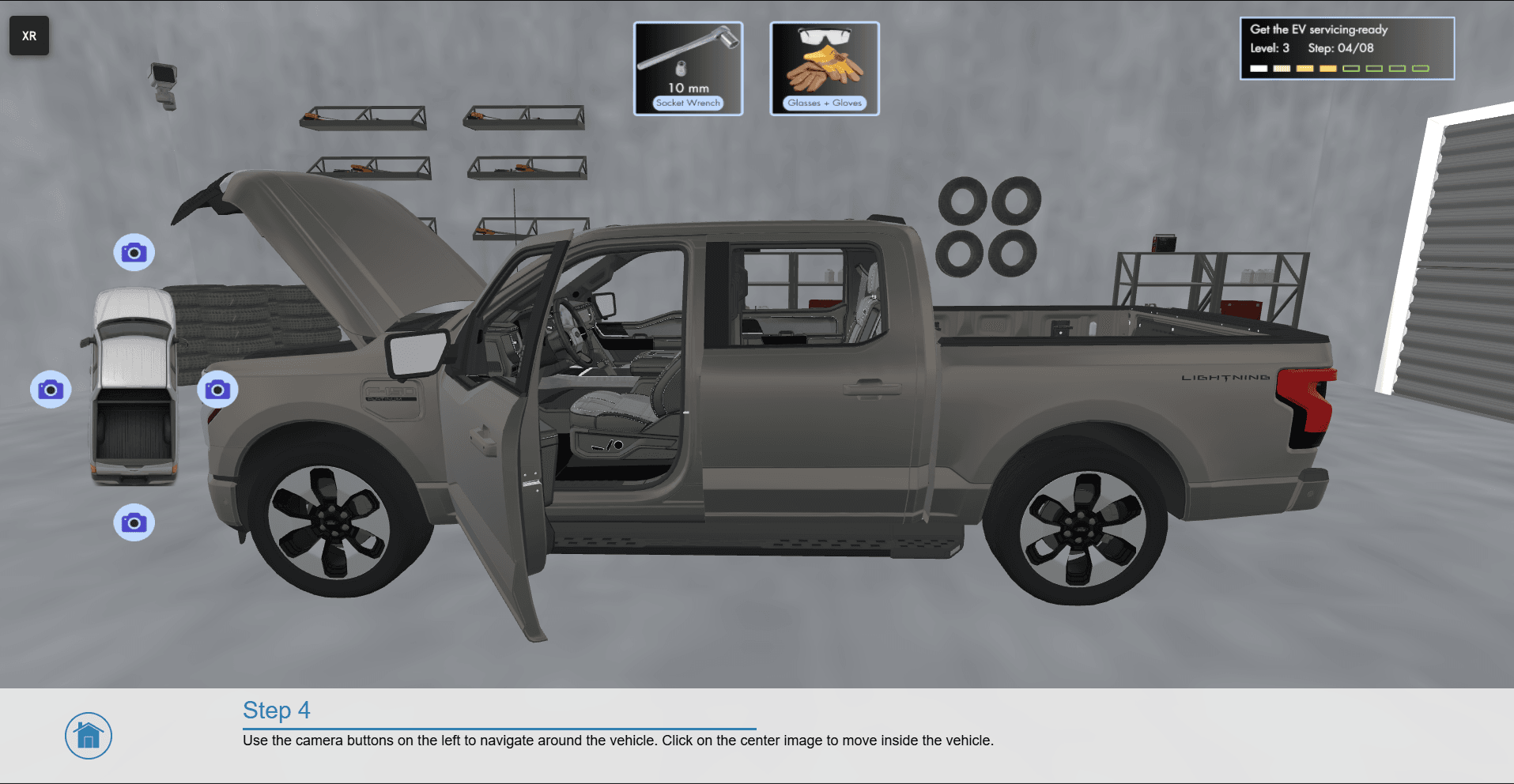
A viewpoint defines the camera position and orientation in the 3D virtual environment (i.e. the end-users location in the virtual world). Viewpoints are used to move the end-user to specific locations in the virtual environment.


How to Create and Load Viewpoints? #

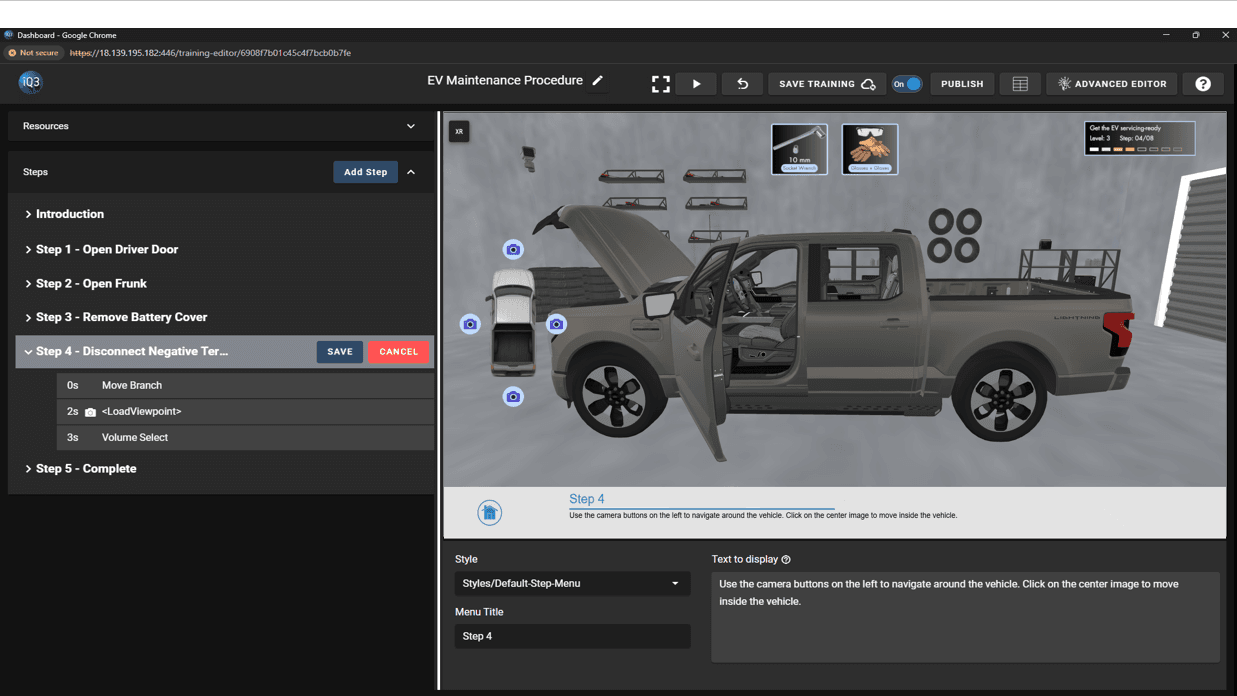
  1. From the XR Menu, navigate to Viewpoint > Save Viewpoint. This will save a viewpoint to the Training Resources.
  2. The Load Viewpoint action can be used to load saved viewpoints at the appropriate time.


Icon

Form Submitted!

Thanks for submitting the form. An iQ3Connect representative will be reaching out to you shortly. In the meantime, please feel free to review some of our resources below.

Icon

Form Submitted!

Thanks for submitting the form. An iQ3Connect representative will be reaching out to you shortly. In the meantime, please feel free to review some of our resources below.

Icon

Form Submitted!

Thanks for submitting the form. An iQ3Connect representative will be reaching out to you shortly. In the meantime, please feel free to review some of our resources below.

Icon

Form Submitted!

Thanks for submitting the form. An iQ3Connect representative will be reaching out to you shortly. In the meantime, please feel free to review some of our resources below.

Icon

Related resources

Icon

Related resources