

How LMS Integration Works
iQ3Connect supports industry-standard SCORM (Sharable Content Object Reference Model), enabling you to deliver virtual, interactive training experiences as part of your LMS curriculum. With our integration, you can:
Track and report learner progress, completion, and performance directly from immersive 3D training modules
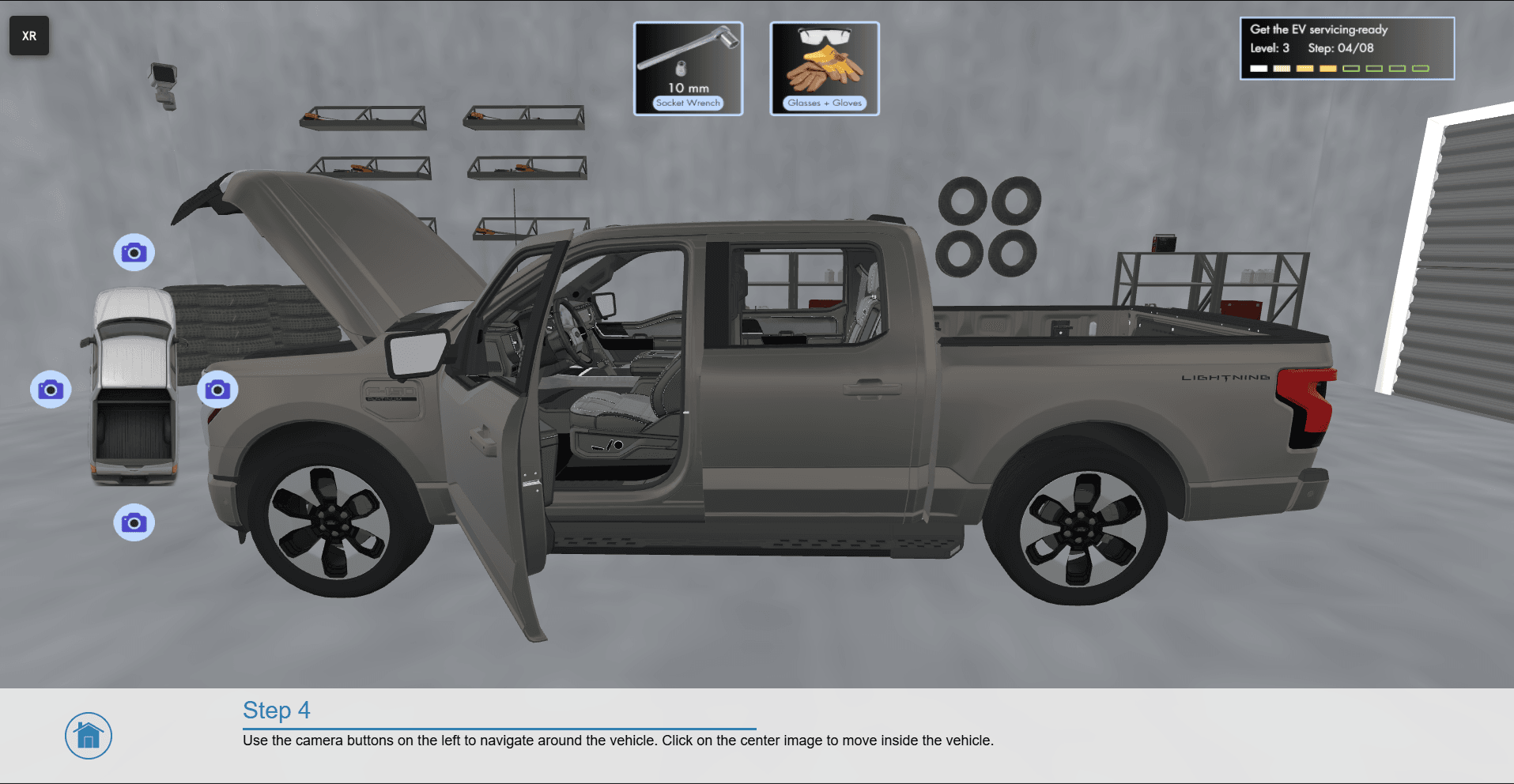
Launch iQ3Connect’s web-based XR experiences right from your LMS—no separate apps or installations needed
Seamlessly blend spatial learning with other eLearning content, making advanced skills development accessible to all

SCORM Integration in Action
1. Export SCORM Package:
iQ3Connect provides a simple SCORM wrapper that references your unique training module weblink. No need to export massive files—just link your live, web-hosted training.
2. Upload to Your LMS:
Import the SCORM package into any SCORM-compliant LMS (such as SAP SuccessFactors, Cornerstone, Moodle, Blackboard, Workday, and others).
3. Launch Immersive Training:
Learners access iQ3Connect spatial modules with a single click—directly from the LMS interface. The training opens instantly in their browser, on any device (VR, AR, PC, tablet, mobile).
4. Track Results:
Completion data and results are reported back to your LMS, enabling centralized tracking, compliance, and analytics—just like any other eLearning module.

Get Started with iQ3Connect + LMS
Integrate spatial training into your enterprise learning strategy in minutes:
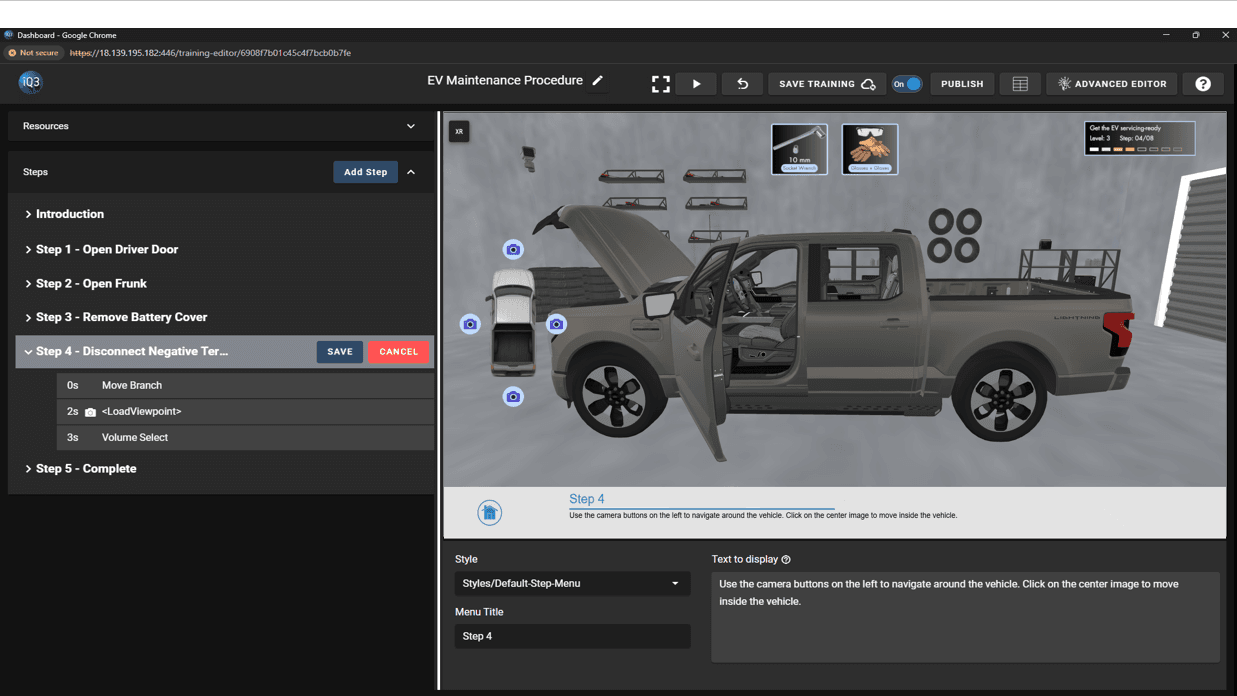
Create your immersive module in iQ3Connect.
Generate your secure training weblink.
Wrap the link in a provided SCORM template.
Upload to your LMS and assign to learners.
- Try our demo LMS live now!
Ready to enable next-generation learning in your LMS?
Contact us for a quick demo, sample SCORM packages, or implementation support.