Trigger – Branch Select #
Description #
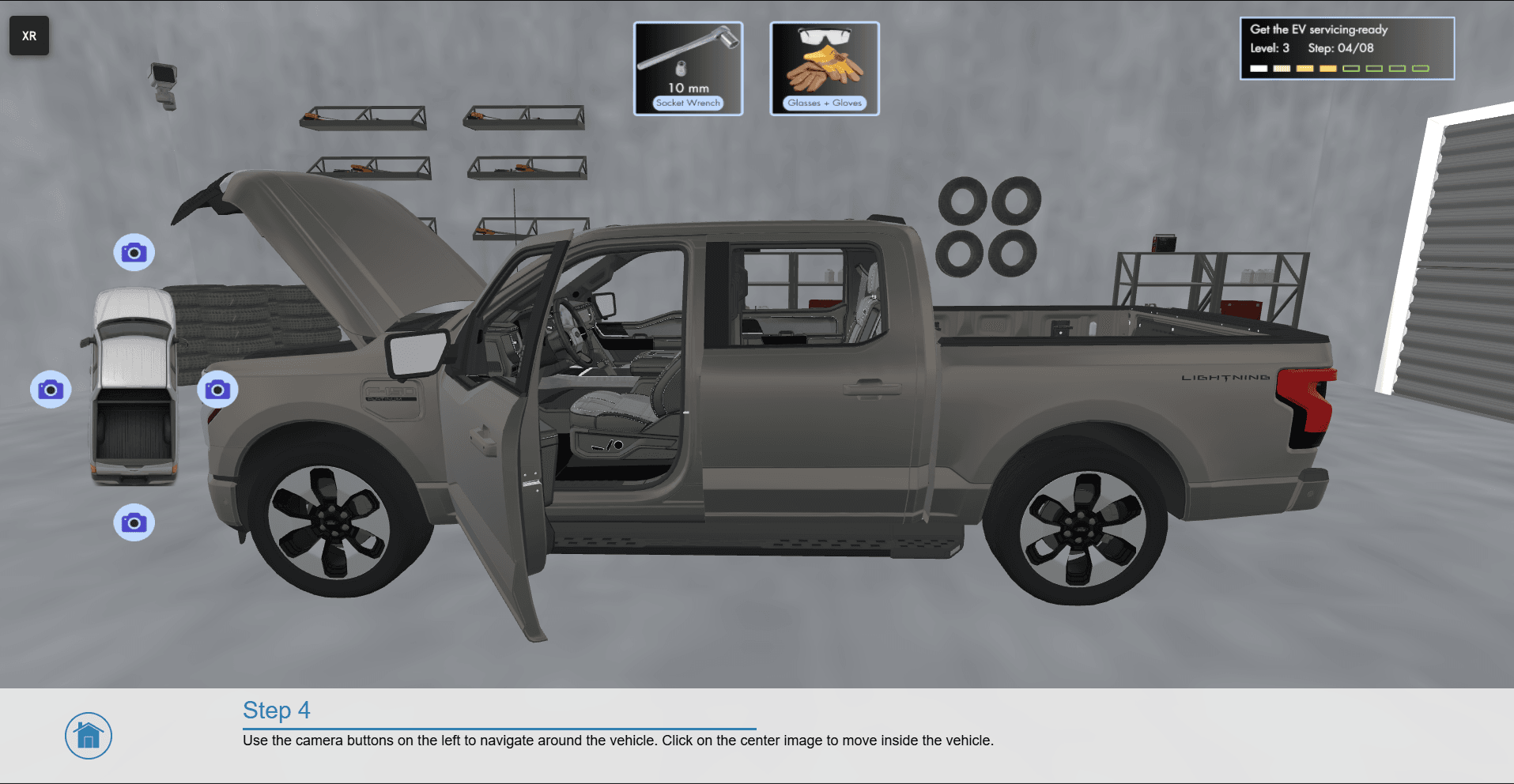
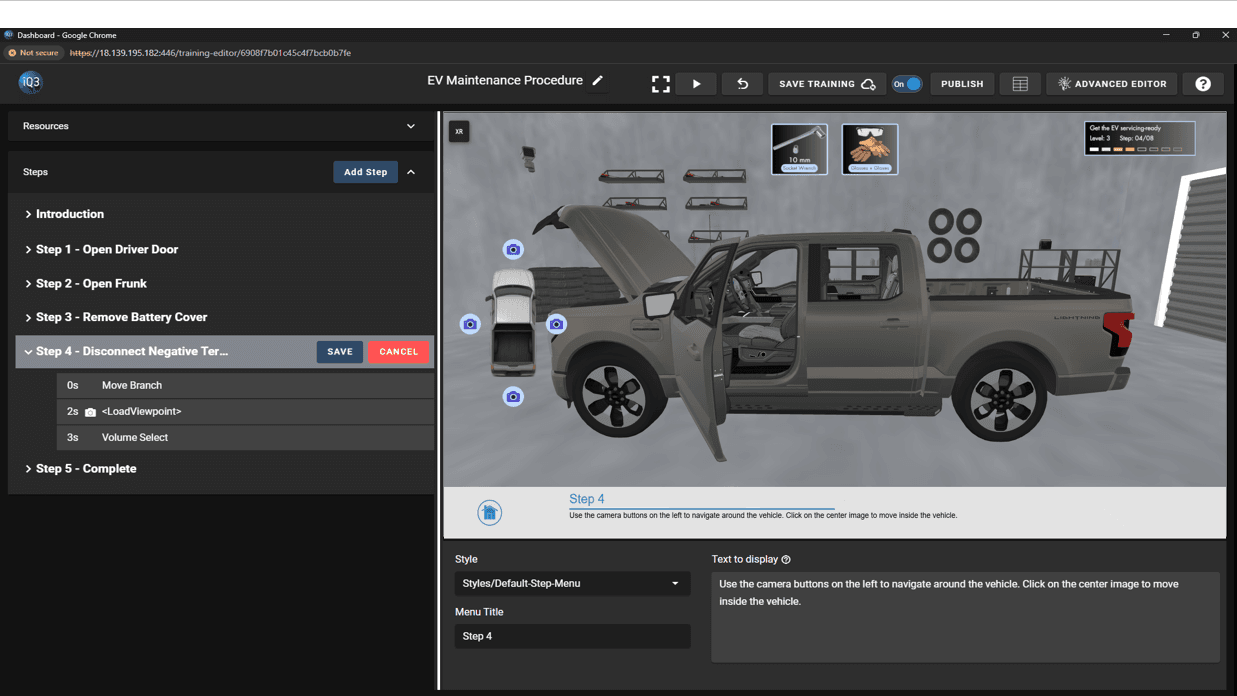
A trigger event that loads the desired timeline(s) when a designated branch(es) (part of a 3D model) is selected by the end-user. As a trigger event, this action will not affect the experience until the end-user selects one of the designated branches.
Once initiated, this action will remain active until the timeline ends or until the user selects one of the designated branches.
Properties #
Start Time
The time (in seconds) when the action will activate.
The Start Time is relative to the timeline in which the action occurs (not the absolute time from when the experience starts).
Timeline Map
Defines what timeline(s) to load when the designated branches are selected
Branch: the branch the user must select. Use the blue pencil icon to select the branch from the Workspace
Timeline(s): the timeline(s) that load
Default Action: the timeline(s) to load when the user selects a branch that is not explicitly defined in the timeline map. Leave empty to do nothing.