Trigger – Group Select #
Description #
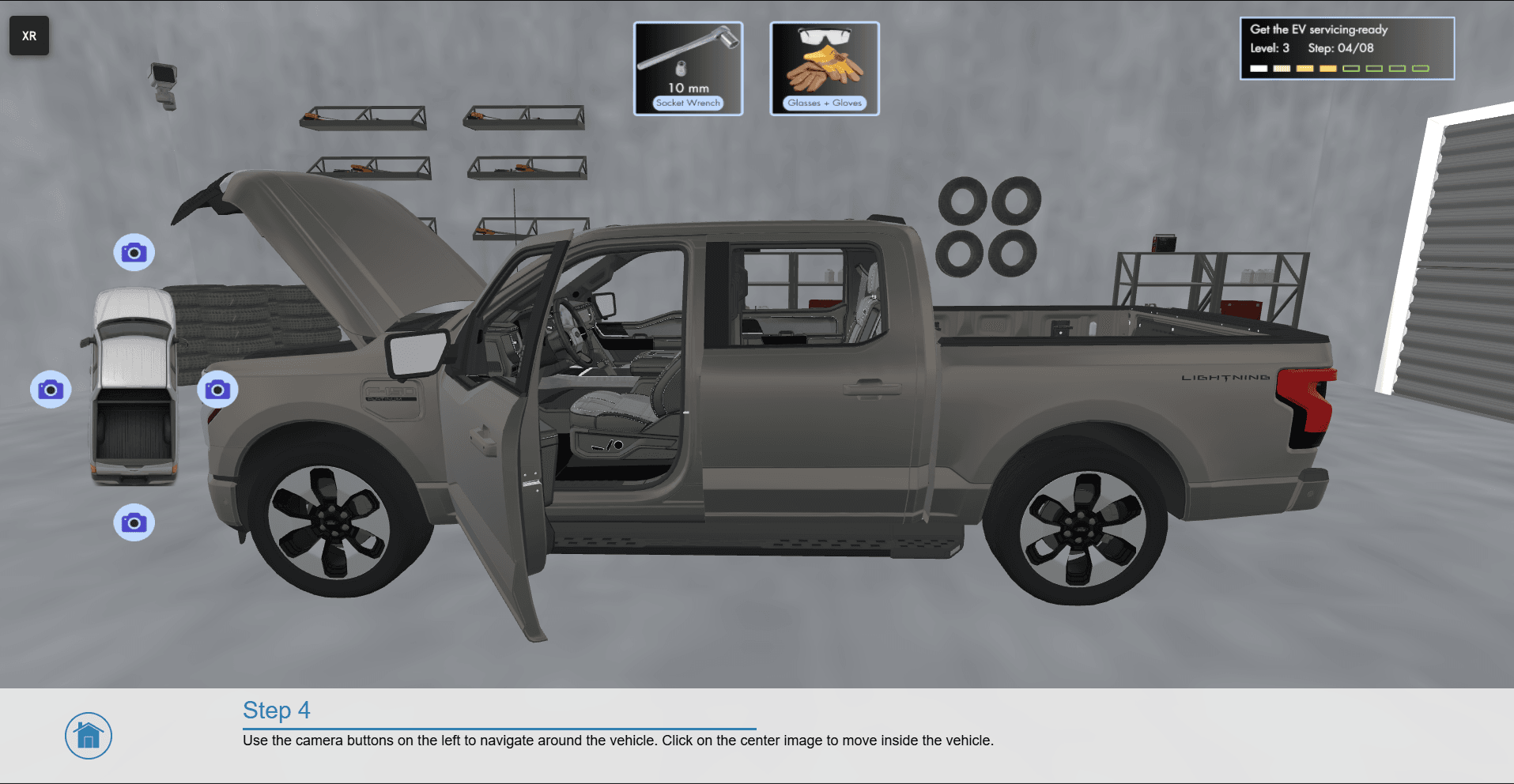
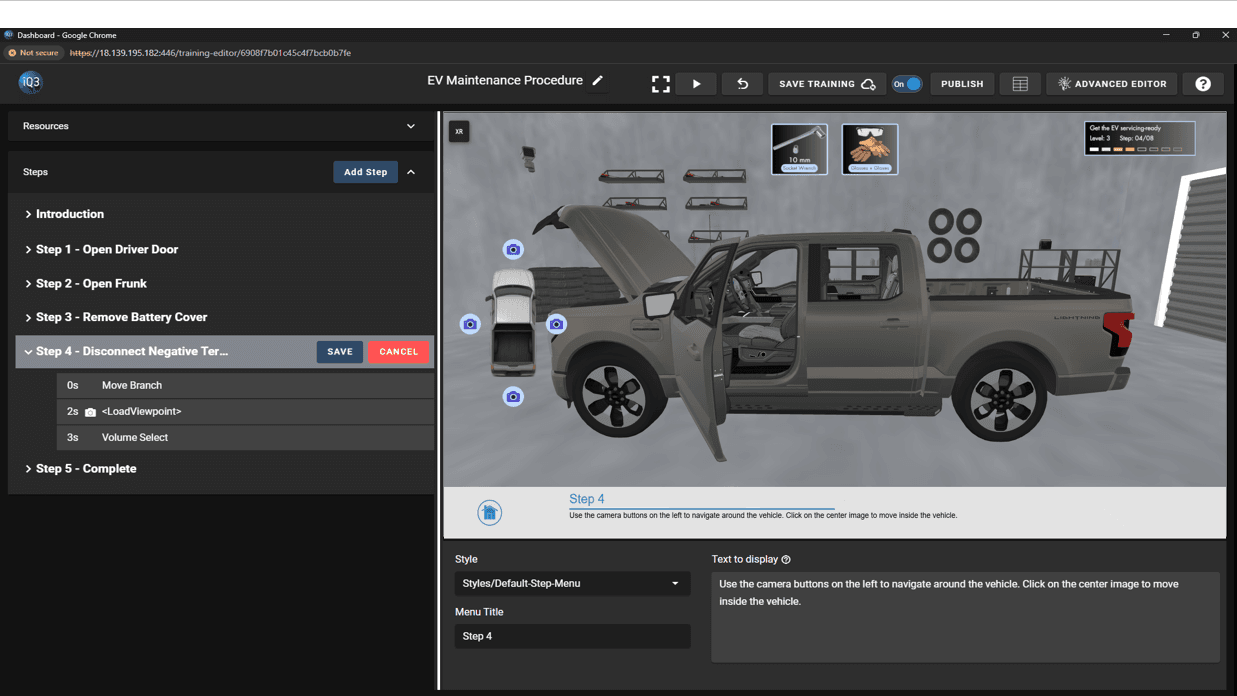
A trigger event that loads the desired timeline(s) when a designated group(s) (part of a 3D model) is selected by the end-user. As a trigger event, this action will not affect the experience until the end-user selects one of the designated groups.
Once initiated, this action will remain active until the timeline ends or until the user selects one of the designated groups.
Properties #
Start Time
The time (in seconds) when the action will activate.
The Start Time is relative to the timeline in which the action occurs (not the absolute time from when the experience starts).
Timeline Map
Defines what timeline(s) to load when the designated groups are selected
Group: the group the user must select. Use the blue pencil icon to select the group from the Workspace
Timeline(s): the timeline(s) that load
Default Action: the timeline(s) to load when the user selects a group that is not explicitly defined in the timeline map. Leave empty to do nothing.