Models #
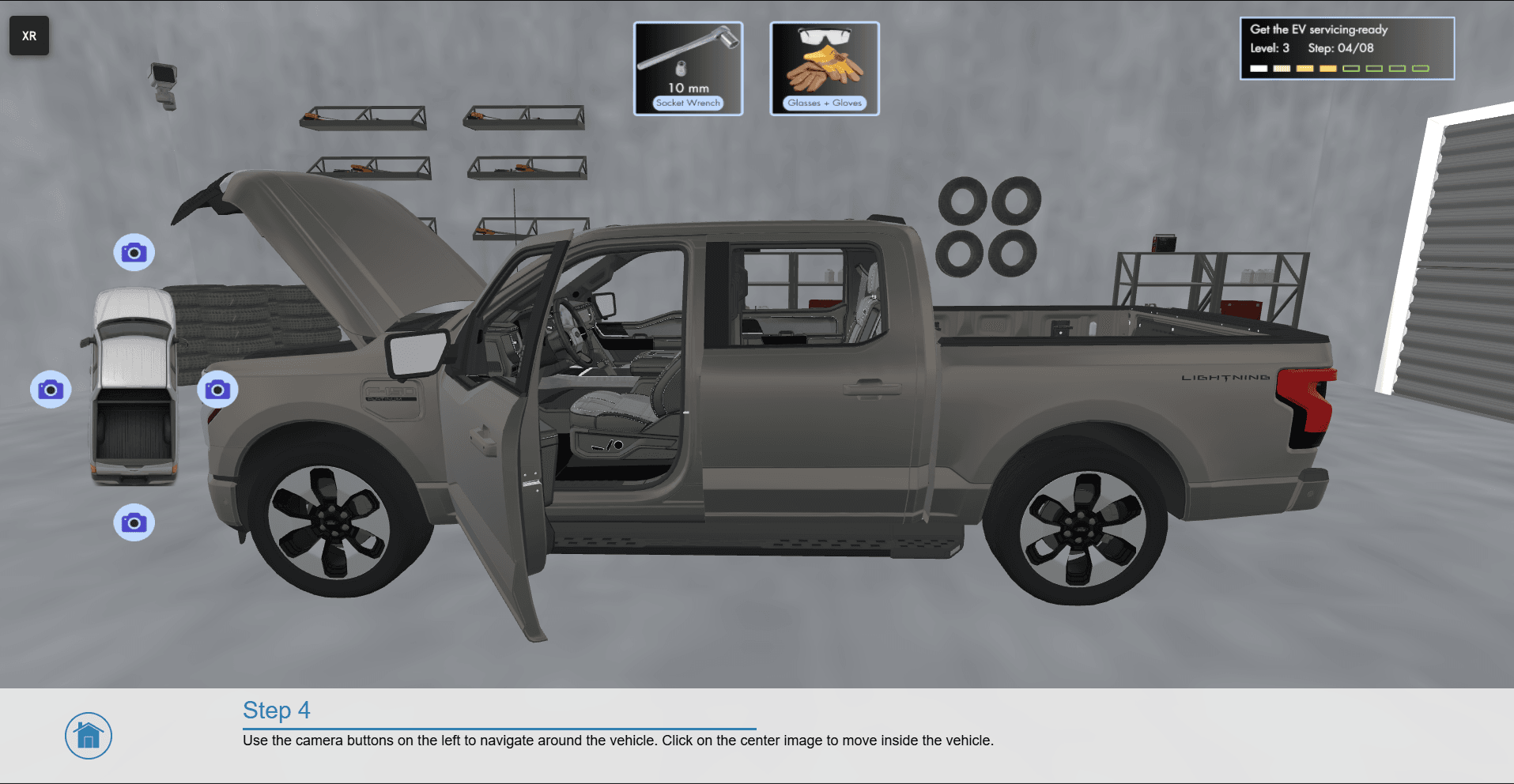
A 3D digital representation of an object.
What File Formats are Supported? #
iQ3Connect supports a wide range of file formats, including native CAD files, generic CAD files, point clouds/scan data, and more. Supported formats include (recommended file formats are underlined):
- Native CAD*: CATIA, Siemens NX, PTC Creo, SolidWorks, Inventor
- Neutral CAD: JT, STEP, IFC, IGES, OpenCASCADE BRep
- Triangulated Formats: GLB, FBX, OBJ, 3DS, STL, DAE, PLY
- Point Cloud: E57, LAS, PTS, PLY, XYZ, DP (DotProduct binary)
- Simulation Results: VRML, X3D
*Native CAD is supported so long as iQ3Connect has been properly set up and connected to the underlying CAD system.
How to Add Models to an Experience? #
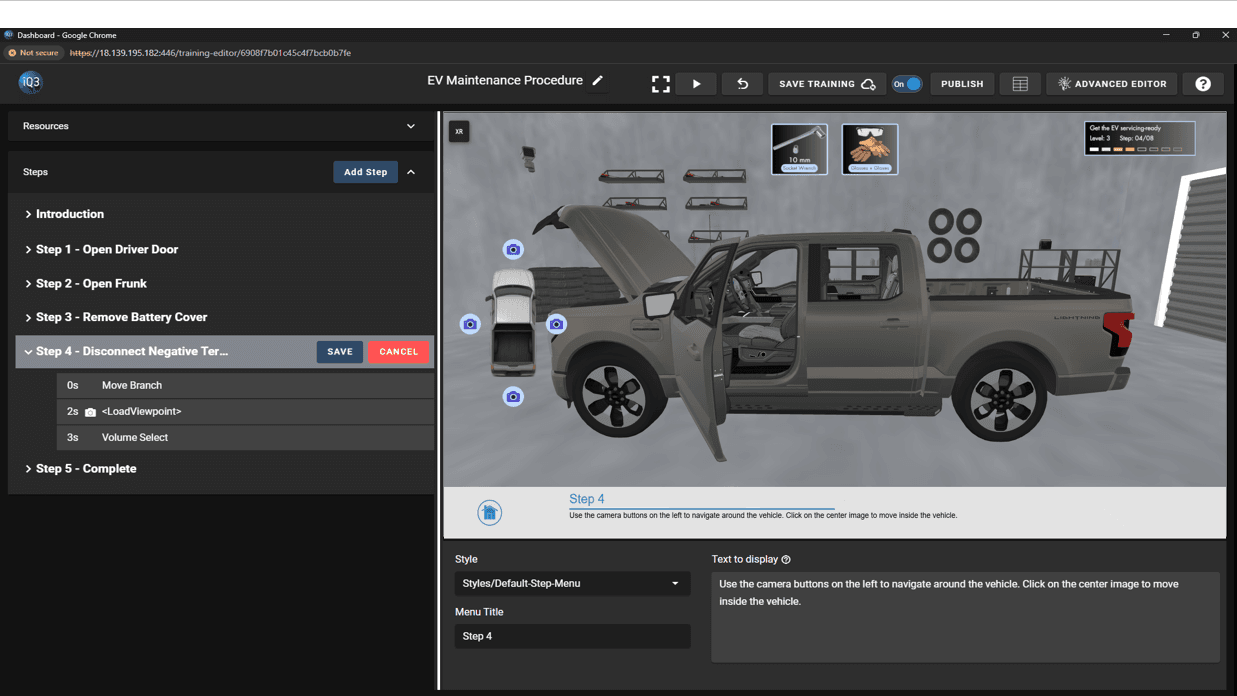
3D Models first need to be added to the Project and then processed into an XR Model. Once in XR Model form, they can be added to any Experience built in that Project.