Accelerating XR Training Development with Gaussian Splatting and iQ3Connect


Background
Organizations face increasing pressure to deliver high-quality, scalable training that accurately represents complex equipment, facilities, and workflows. Yet the creation of 3D training content traditionally requires CAD models, laser scanning, or extensive manual modeling—processes that are slow, costly, and constrained by data availability.
Gaussian Splatting fundamentally changes this paradigm.
iQ3Connect now provides full support for Gaussian Splatting within our browser-based, enterprise XR platform, enabling creation of immersive training environments from simple photos or video. The result is a significant reduction in content development time, faster deployment of workforce training programs, and broader access to real-world operational knowledge.
What is Gaussian Splatting?
Gaussian Splatting is an advanced 3D reconstruction technique that converts standard images or video into a photorealistic, spatially accurate scene representation. Unlike mesh-based or voxel-based approaches, Gaussian Splats are computationally efficient, streamable, and exceptionally lightweight—making them ideal for real-time XR applications.
Key benefits include:
High fidelity reconstruction of real environments
Minimal capture requirements (standard mobile or video cameras)
Lower cost and faster turnaround compared to LiDAR or manual modeling
Immediate web and XR compatibility when processed in iQ3Connect
For training leaders, this capability unlocks rapid digitization of equipment, facilities, and processes—even when CAD data is unavailable or restricted.
Enterprise Training Advantages
✔ Accelerated Digitization of Equipment & Facilities
Capture real-world environments using only standard photography or video. No CAD, LiDAR, or modeling expertise required.
✔ Reduce Dependence on Engineering Data
Gaussian Splats provide a reliable alternative when CAD data is missing, outdated, proprietary, or too large for XR deployment.
✔ Integrate Multiple Data Modalities
iQ3Connect enables seamless combination of:
Gaussian Splats
CAD models
Point clouds (e.g., LAS, E57)
360° images and videos
Operational documents (PDFs, videos, SOPs)
This creates a comprehensive, context-rich training environment.
✔ Streamlined Multi-Device Deployment
All Gaussian Splats processed in iQ3Connect are optimized for:
VR headsets
AR devices
Web browsers
Mobile and tablet
No local installation, plugins, or large downloads are required.
Common Tools for Creating Gaussian Splats Compatible with iQ3Connect
Several open-source and commercial tools generate splat formats (e.g., .ply, .splat) that can be imported directly into iQ3Connect. Common creation tools include:
1. Nerfstudio (with Gaussian Splatting pipelines)
An extensible framework that supports Gaussian Splat reconstruction from photo sets or video sequences.
Ideal for: High-quality reconstructions and research workflows
Output:
.ply,.splat
2. Gaussian Splat Studio
A user-friendly application for generating splats from images or video with minimal setup.
Ideal for: Quick conversions and operational teams without ML expertise
Output:
.splat
3. SplaTAM
A real-time SLAM-based Gaussian Splatting tool—excellent for capturing environments with a moving camera.
Ideal for: Handheld/mobile scanning, fast field capture
Output:
.splat,.ply
4. Luma AI (NeRF-based with export options)
While primarily focused on NeRFs, Luma’s capture tools can be used as input for splat conversion workflows.
Ideal for: Smartphone-based capture with cloud processing
5. DotSplat and Mobile Splat Tools
Lightweight mobile pipelines emerging from open-source communities that export splat-compatible point clouds.
Here are three paid tools for creating 3D Gaussian splats (i.e., using the Gaussian Splatting technique) :
1. KIRI Engine
A mobile & web cloud-based 3D capture app that supports Gaussian splatting (“3DGS”) plus mesh export. Offers editing, masking, and export to formats like OBJ, GLTF, PLY. Paid subscription required for full 3DGS feature.
2. Postshot
A desktop application (Windows) for processing captures into Gaussian splats locally (no cloud), with live preview/training, full control over data and export into 3D workflows. Best for users with suitable GPU. Paid version.
3. Splatware
Splatware: A cloud platform built for professionals and teams to generate, edit, animate, host and export Gaussian splatting 3D models, including hosting/sharing and marketplace options. Has tiered paid plans (Free → Pro → Enterprise).
All of the formats produced by these tools can be processed through the iQ3Connect 3D Importer and converted into XR-ready assets.
Technical Workflow: Importing Gaussian Splats into iQ3Connect
iQ3Connect streamlines the process of converting Gaussian Splats into optimized training-ready scenes.
1. Capture the Environment
Use photos, video, or drone footage. Ensure:
Adequate coverage around the subject
Consistent lighting where possible
Sufficient overlap between frames
2. Generate the Gaussian Splat
Process the captured media using one of the tools listed above. Export in .splat, .ksplat or .ply format.
3. Import into the iQ3Connect 3D Importer
Inside the platform:
Open 3D Import
Select Add Model
Upload the Gaussian Splat file
The system automatically optimizes the file for real-time rendering and cross-device compatibility.
4. Convert to an XR-Ready Model
The splat file is can be converted into an XR-readu model in a single click. The XR-ready model can be used in iQ3Connect workspaces for training and multi-user XR collaboration.
5. Build a Rich Training Environment
Within the iQ3Connect Workspace, teams can combine the splat with:
Engineering CAD
LiDAR point clouds
Workflow steps and procedures
Media assets (PDF, video, 360° images)
Labels, markers, and hotspots
Guided training modules and assessments
This flexibility allows training developers to replicate a complete operational environment—not just a single asset.
6. Deploy to the Workforce
Publish your training or collaboration session and access it across:
VR and AR devices
PC and laptop browsers
Tablets and smartphones
All with no software installation.
Experience Gaussian Splats in iQ3Connect
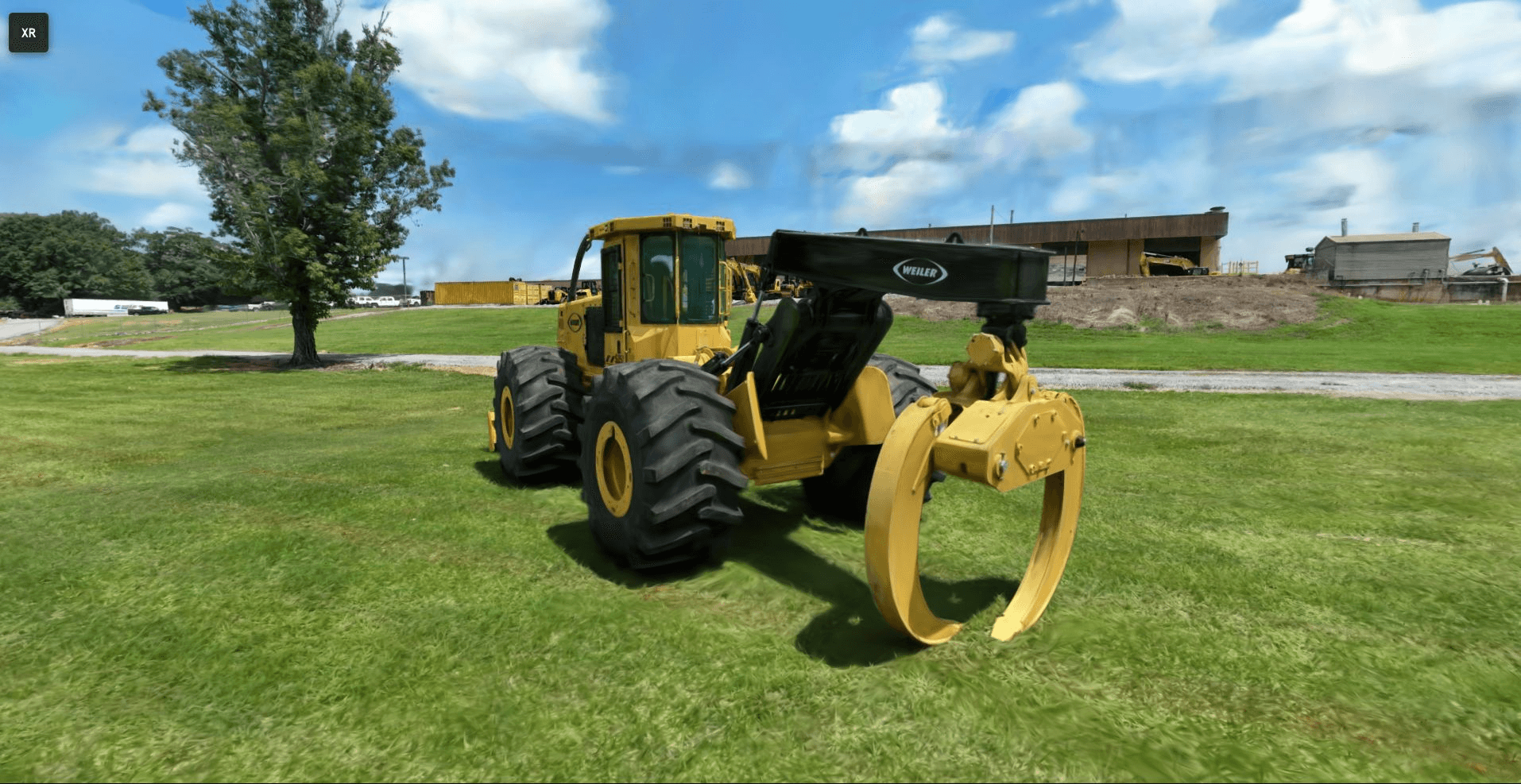
Explore a live Gaussian Splat example in your browser. Use the WASD and mouse to navigate in the 3D space. Share the link with your colleagues to meet in realtime in the collaborative workspace.

Looking Ahead
iQ3Connect will continue to expand support for Gaussian Splats, including advanced editing, annotation, and automated training authoring capabilities. Future examples will highlight real-world applications across manufacturing, energy, aerospace, pharmaceuticals, and other sectors requiring high-fidelity training environments.
Explore How Gaussian Splats Can Modernize Your Training Workflow
👉 Request a customized demo
👉 Evaluate integration with your existing content pipeline
👉 Begin creating XR training content in minutes—not weeks
Related Blogs
Enterprise XR in 2026: From Pilot Projects to Scalable Browser-based Infrastructure
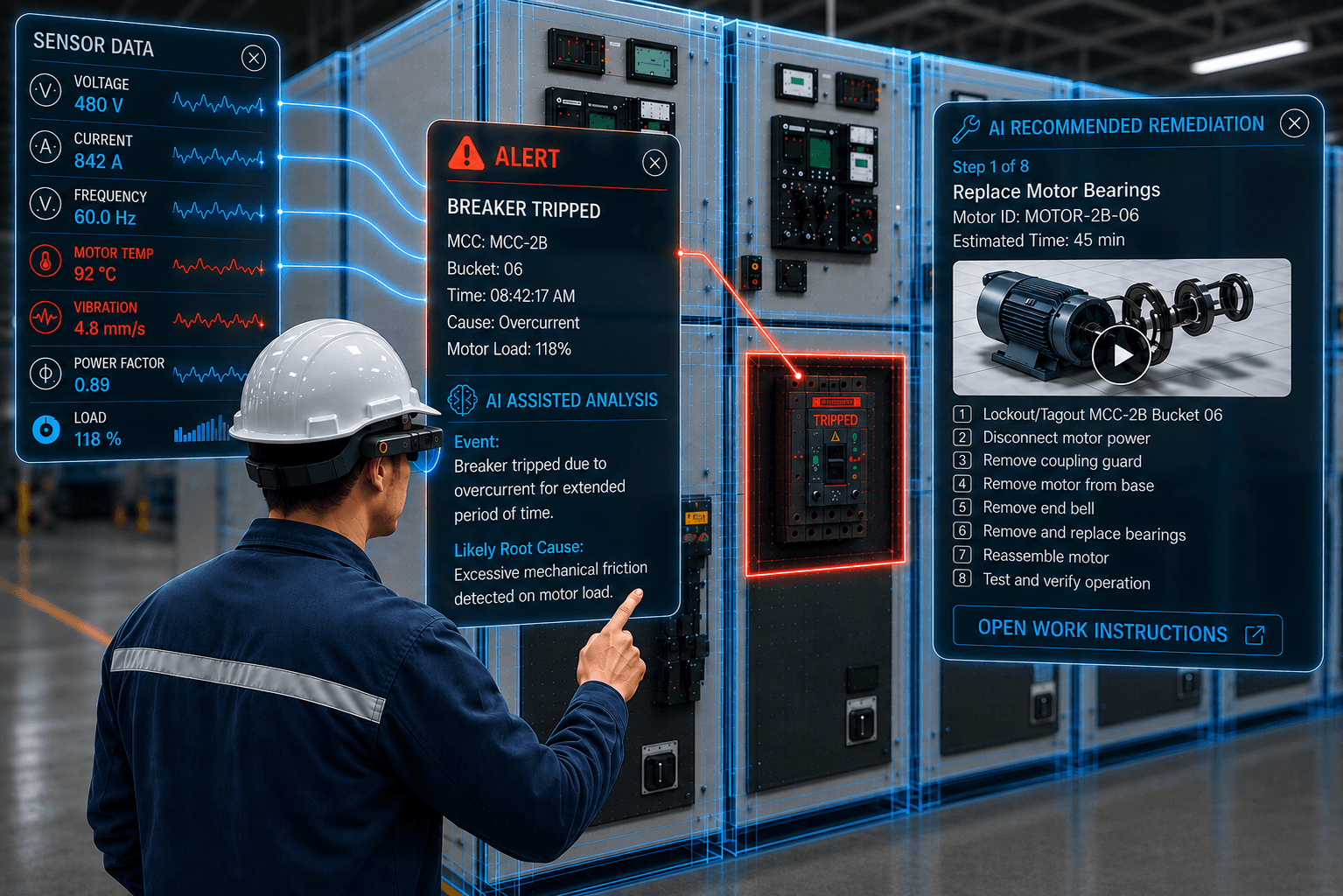
AI factories are redefining industrial infrastructure through advanced computing, automation, and digital twins. As these environments scale, workforce training must evolve alongside them. Explore how digital twins and enterprise XR can help organizations train employees, simulate complex operations, and prepare teams for the future of AI factory operations.
Read More
AI Factories Need More Than Compute: How Digital Twins Are Reshaping Operations and Workforce Training
AI factories are redefining industrial infrastructure through advanced computing, automation, and digital twins. As these environments scale, workforce training must evolve alongside them. Explore how digital twins and enterprise XR can help organizations train employees, simulate complex operations, and prepare teams for the future of AI factory operations.
Read More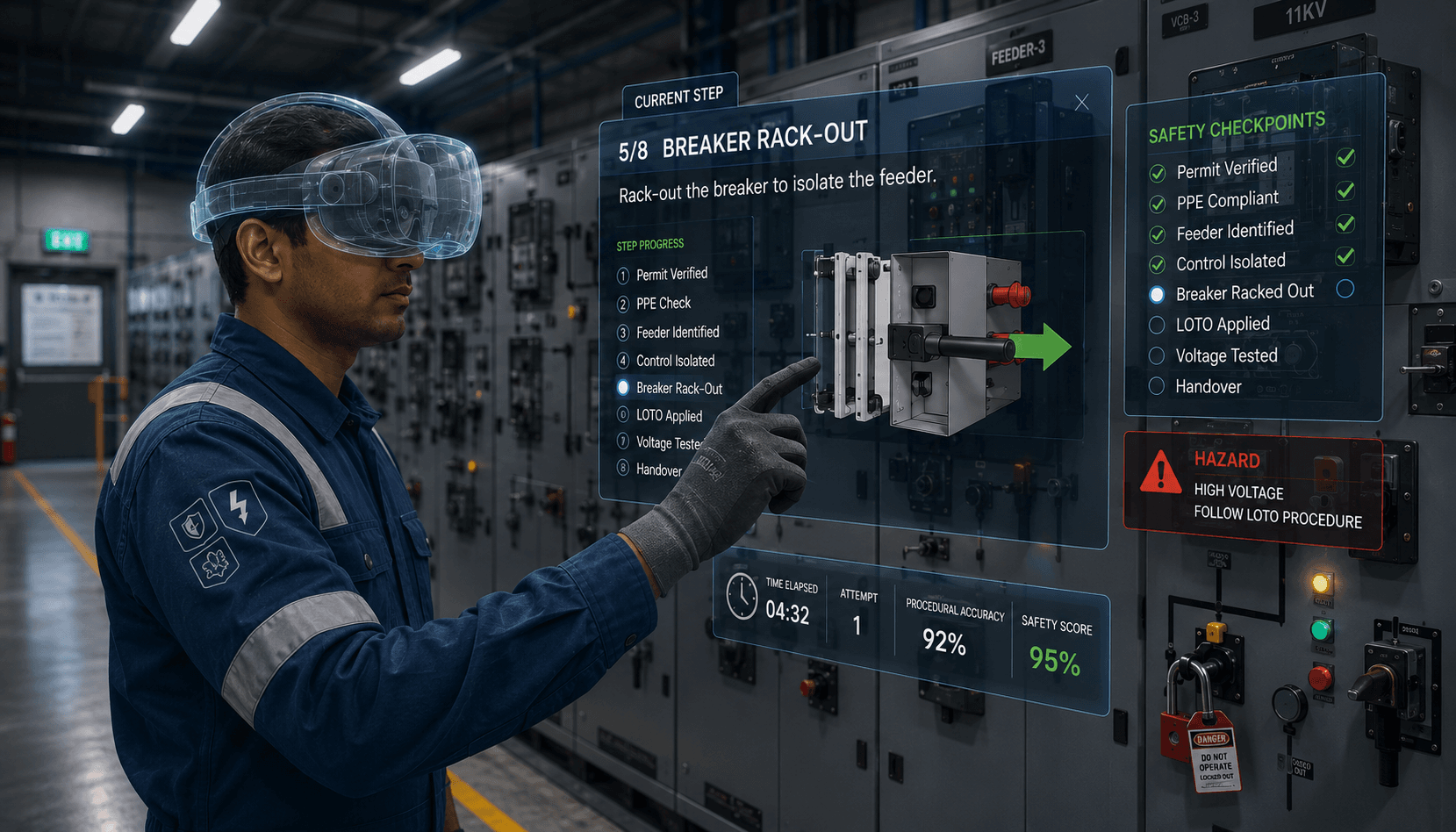
Case Study: VR Training for High-Risk Electrical Isolation & Lockout-Tagout (LOTO) Procedures in Oil & Gas Refineries
A Fortune 500 energy company transformed electrical isolation and Lockout Tagout (LOTO) training using iQ3Connect's browser-based VR platform. The solution standardized training across refinery sites, increased procedural retention by 40%, enabled three times more hands-on practice, and eliminated exposure to live electrical equipment during training.
Read More