iQ3Connect Product Release v2025.5.12


More Control. Clearer Workflows. Richer AR Experiences.
iQ3Connect v2025.5.12 introduces a new level of control and flexibility in immersive training creation—making it easier to build structured interactions, streamline authoring workflows, and enhance both web and AR experiences. With the introduction of Events and key improvements across core actions, authors can now create more complex, guided interactions within simpler, more organized timelines.
This release is designed to reduce authoring complexity while giving creators greater precision and control over how users interact with training content.
What’s New in v2025.5.12:
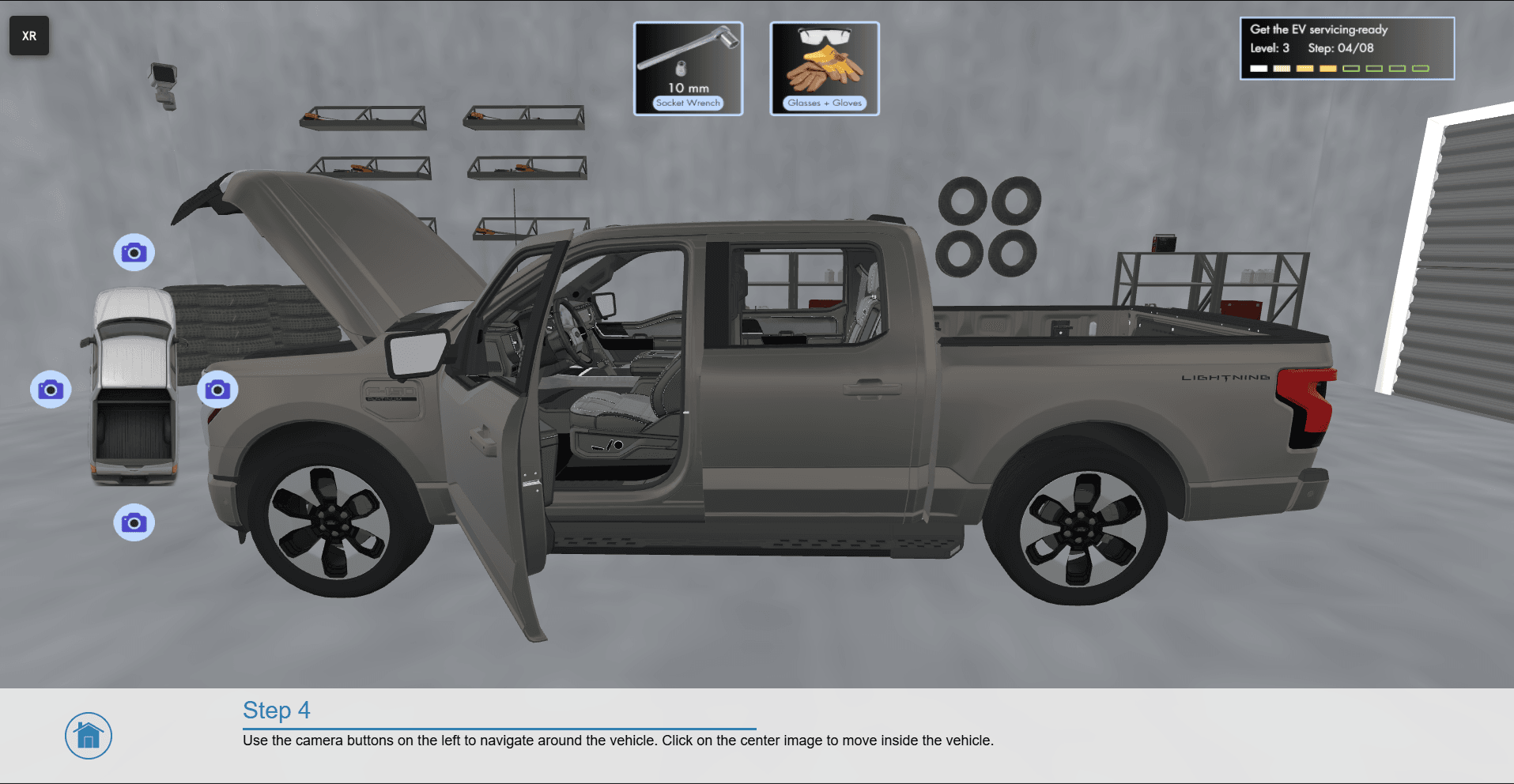
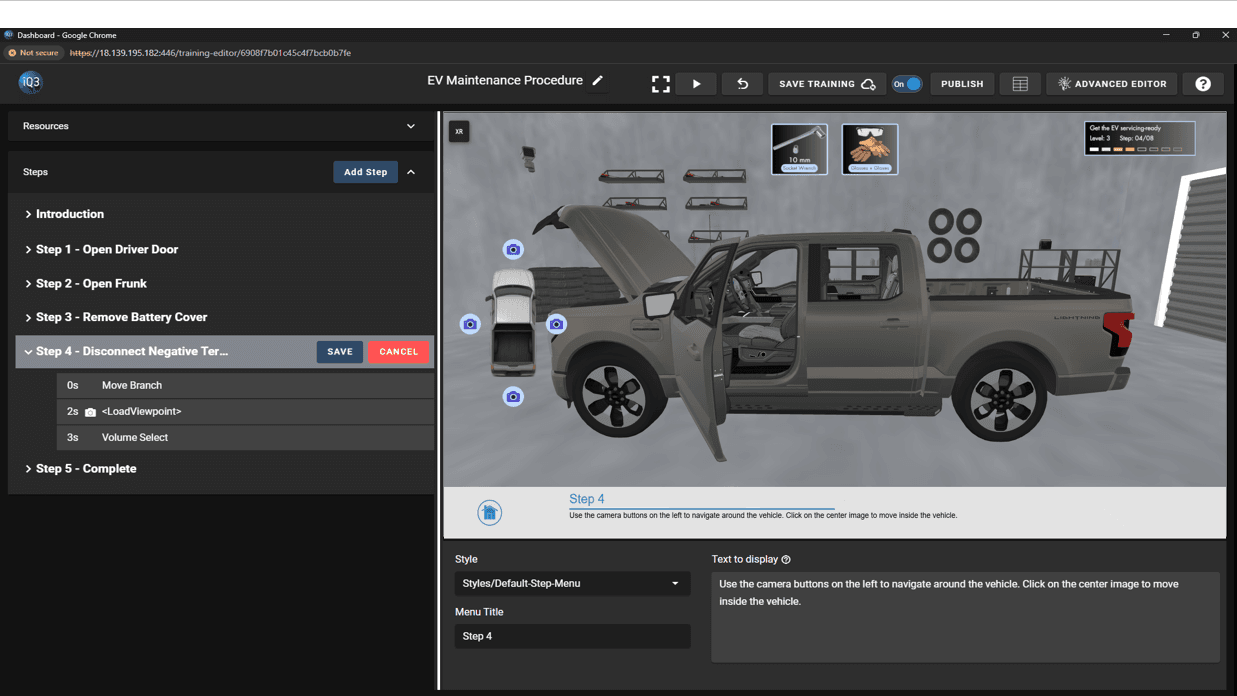
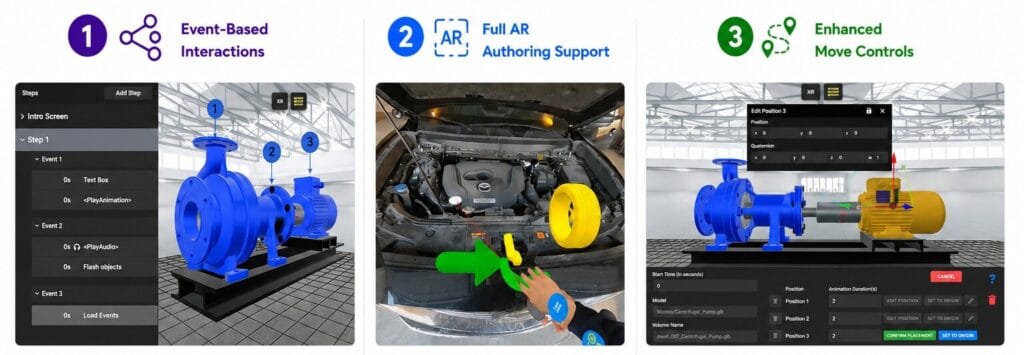
Event-Based Interaction System – Create multiple conditional sub-steps within a single Step/Timeline using the new Event mechanism. Events act as containers for Actions that only execute when triggered, allowing for structured, sequential interactions (e.g., step-by-step object removal) without requiring multiple timelines. Events can also be chained together to build complex interaction flows with ease.
Full Authoring in AR – Author directly within AR environments with complete functionality—eliminating the need for workarounds or indirect editing methods and enabling a more intuitive and accurate AR workflow.
Advanced Move Action Controls – Define multiple movement points within a single Move Object action to create compound animations. Additional enhancements include position-based editing, editable coordinate input, and the ability to reset objects to their origin.
Enhanced Viewpoint Management – Save viewpoints directly from the Training Editor and control camera transitions with the new “travel duration” property, enabling smoother and more controlled navigation between viewpoints.
Improved Selection Behavior – Maintain object states during and after selection workflows. The Selection action no longer resets visibility during authoring, and applied properties such as highlighting or visibility changes persist after completing the selection.
With v2025.5.12, authors can build more interactive, guided, and efficient training experiences—while simplifying the overall creation and management process.
Request a demo to learn more!
Recent News
iQ3Connect Product Release v2025.5.9
iQ3Connect v2025.5.9 introduces powerful new tools to streamline training creation and delivery. Authors can now add and customize 3D helper objects, build splash screens, menus, and quizzes directly in the Training Editor, and dynamically scale objects with enhanced visual controls. Publishing is now fully integrated into the authoring workflow with one-click deployment, live URL updates, and resource protection—making it easier than ever to create, manage, and deliver immersive training experiences.
Read More